01
Bring in your space
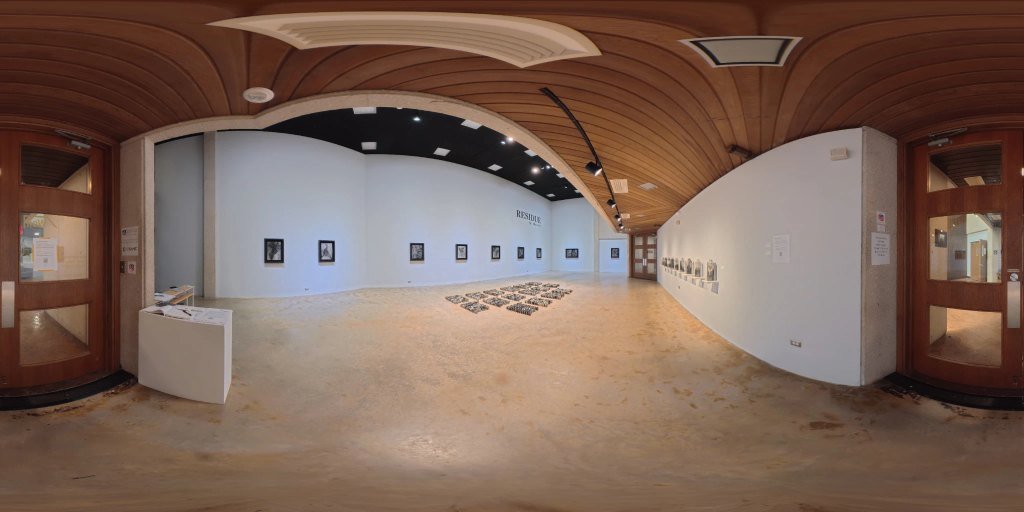
Import a stitched 360° equirectangular photograph. Drag and drop directly onto this stage, or choose a file.
Bring your exhibition into 360°. Start with your photographs. Build a space people can return to.
 STEP INSIDE / 360°
Explore a practice exhibition. Try locations, artwork labels, and a guided tour.
No folder needed. Practice edits reset when you leave.Follow these three steps to build your virtual gallery. Processed privately on your computer.
Import a stitched 360° equirectangular photograph. Drag and drop directly onto this stage, or choose a file.
Add your artwork records with titles, artist, medium, dimensions, year, statements, and detail photos.
Draw outlines directly on the walls to connect physical artworks to catalog records, set opening views, and build guided tours.
Tools activate automatically once a space is imported.