Your project stays local.
Panoramas, artwork details, and edits are processed and saved on your computer. There’s no project upload and no server-side copy held by Remanet.
A CONTINUING SPACE FOR ART
Build virtual exhibitions in your browser and export a standalone site you control. Your work. Your files. Your exhibition.
Free and local-first. Exhibitions play in any browser on mobile and desktop. Direct folder editing runs in desktop Chrome and Edge with zero accounts or project uploads.
A BETTER FIT FOR YOUR WORK
Remanet gives you control over the whole experience, from the first photograph to the folder you publish.
Panoramas, artwork details, and edits are processed and saved on your computer. There’s no project upload and no server-side copy held by Remanet.
Cloud virtual tour platforms charge $30 to $100 every month, holding your exhibitions hostage on proprietary servers. With Remanet, the finished tour is a self-contained folder you own forever. Upload it to your web host, deploy to Netlify or GitHub Pages, or embed it on your portfolio site via an iframe. Zero monthly hosting rent and zero risk of a cloud service sunsetting your show.
Build your artwork catalog first, then place each work in your locations and draw its clickable outline. Add an artist, medium, dimensions, year, statement, and detail photographs. One artwork record can appear from several viewpoints and throughout a guided tour.
A small preview opens first. Image tiles load around the visitor’s view, then reprioritize as they turn or zoom. They can start exploring without waiting for every detail in the room.
BUILT FOR THE COMPLETE ARTWORK LIFECYCLE
Remanet unites high-fidelity spatial documentation with curatorial and commercial tools, giving galleries, artists, and curators everything needed to present, contextualize, and place artwork.
Display numbered edition runs, APs, and acquisition pricing directly in the artwork viewer. When a collector is moved by a piece, one click generates a structured acquisition inquiry auto-populated with metadata.
Package photogrammetry meshes, sculptures, and installation assets directly into your exhibition. Assets render in true real-scale space while strictly enforcing zero-download protection to safeguard artist copyright.
Mount didactic wall text and gallery plaques in true 3D perspective against gallery walls. Remanet calculates real-time room inclination, bevel edges, drop shadows, and calibrated color temperature.
Shape ambient acoustics with room soundscapes that crossfade gently over 1.2 seconds as visitors walk through portals. Erase tripod footprints with custom gallery floor seals or camera nadir patches.
ONE EXHIBITION. MORE THAN ONE WAY IN.
Artworks belong to the exhibition. Present them on their own, throughout the space, or within an authored sequence.
A list of works becomes the way in. Each selection opens its saved view, with the information and photographs that tell the rest of its story.
Visitors move between locations (your camera positions) and look around at their own pace. Include artwork markers and a works list when you want them.
Frame each stop and arrange the sequence. Back and Next take visitors through the gallery as intended, with an artwork or statement at each stop.
EXHIBITIONS TO EXPLORE
Explore exhibitions as they are published. More shows will appear here as their tours are ready.
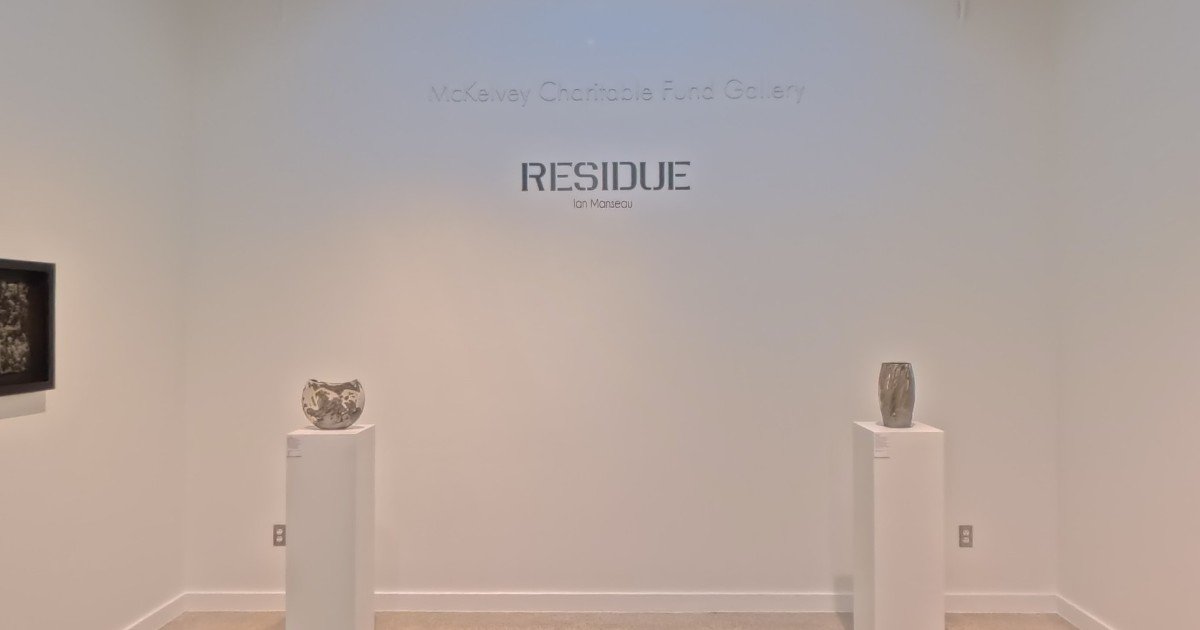 01 / EXHIBITION
Rockport Center for the Arts · September 5 – November 8, 2026
Enter exhibition →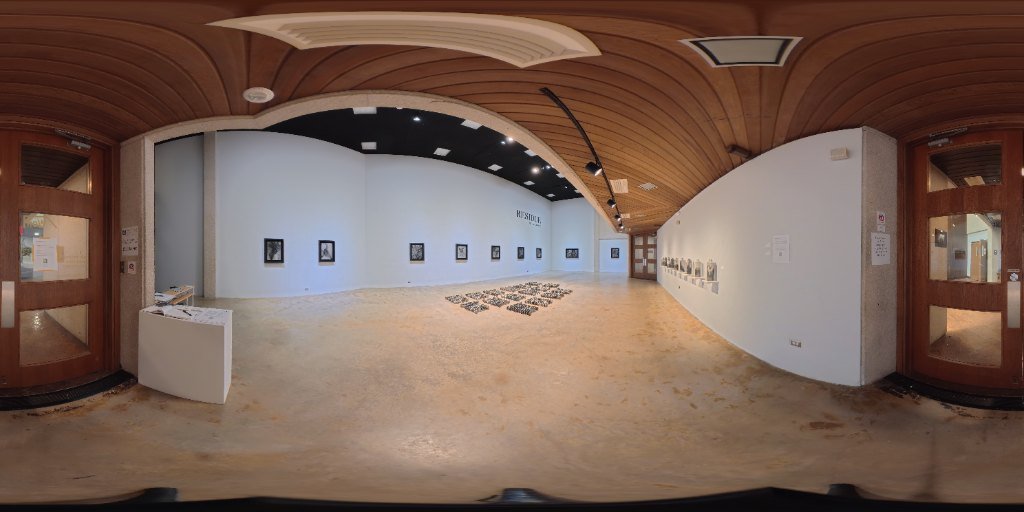 02 / EXHIBITION
Solo Exhibition by Ian Manseau · The Weil Gallery, Texas A&M University – Corpus Christi
Enter exhibition →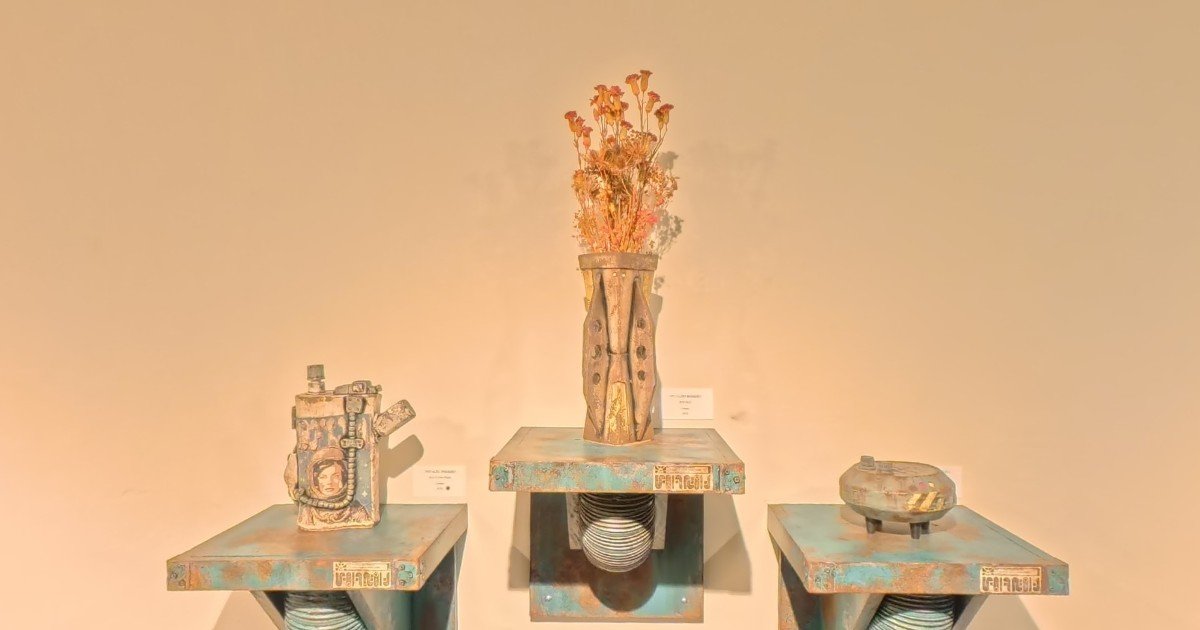 03 / EXHIBITION
Curated guided tour in 360° · Photography & Art by Osvaldo Romero
Enter exhibition →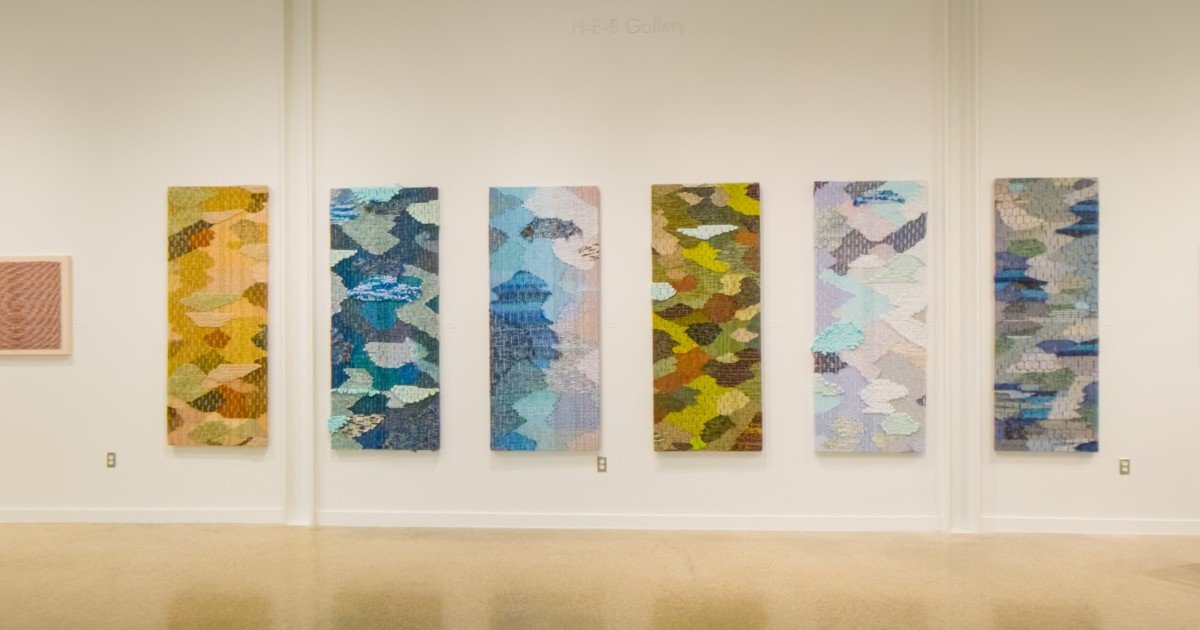 04 / EXHIBITION
Rockport Center for the Arts - H-E-B Gallery · August 8 – September 27, 2026
Enter exhibition →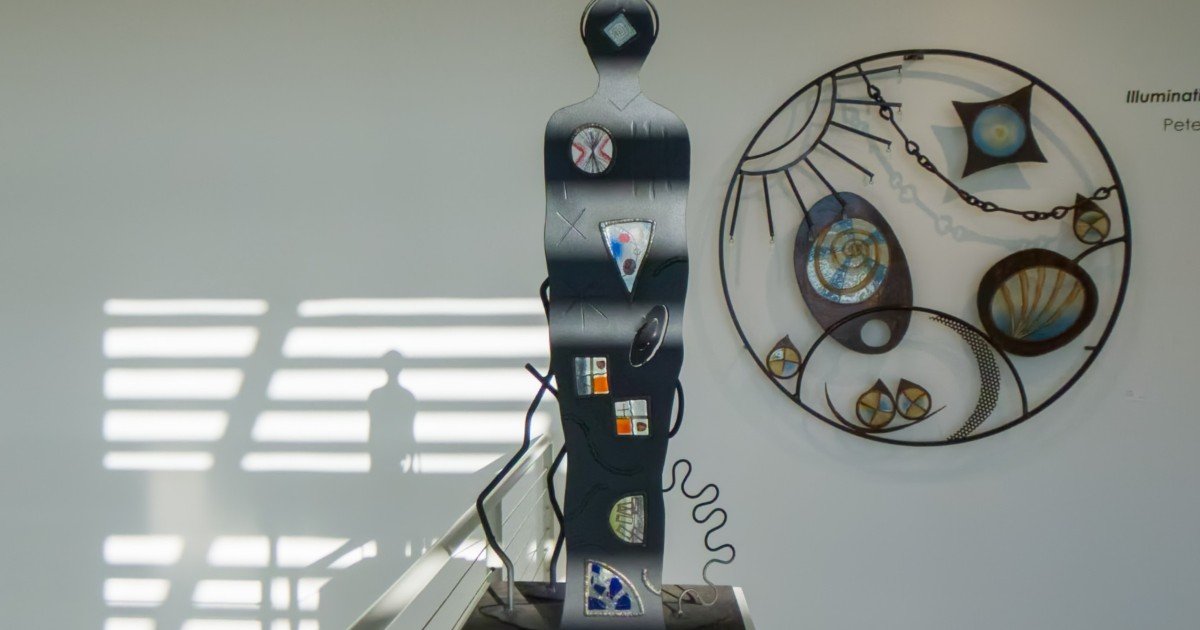 05 / EXHIBITION
Rockport Center for the Arts · September 4 – November 22, 2026
Enter exhibition →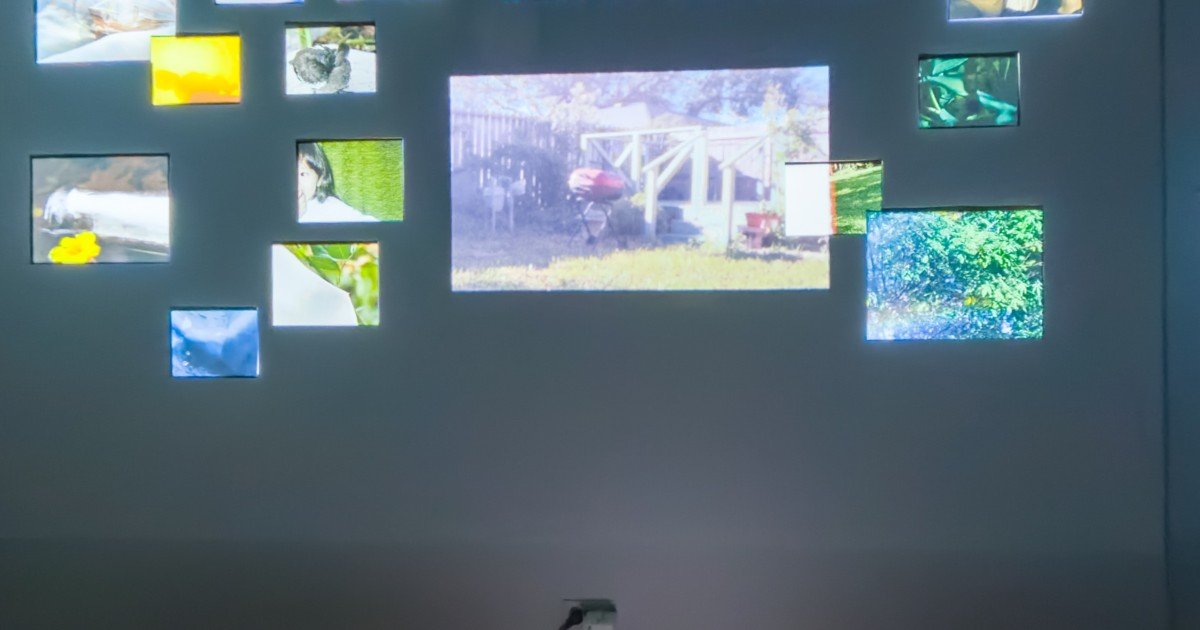 06 / EXHIBITION
Weil Gallery · May 11 – 22, 2026
Enter exhibition →Open the practice tour to try an exhibition with locations, artwork labels, and a guided sequence, or choose a folder to make your own.
FROM YOUR CAMERA TO THEIR SCREEN
Your tour fits inside the website workspace you already use. Build it locally, then publish it when you’re ready.
Start a new exhibition or reopen an existing one. Keep a separate folder for every show.
Import standard 2:1 equirectangular 360° photos. Shoot with any 360 camera (Insta360, Ricoh Theta, GoPro MAX), panorama apps for iPhone and Android, stitched DSLR photos, or 3D renders from Blender. No expensive LiDAR or proprietary hardware required. Place artworks on the walls and craft your guided sequence.
Preview with the same viewer your visitors will use. Upload your folder to your web host, drop it onto Netlify or GitHub Pages, or embed your exhibition directly into your Squarespace, Cargo, or WordPress portfolio site via an iframe.
Automatic local saves, undo and redo, and a previous-save recovery copy help protect the work you put into a tour. Panorama replacements finish processing before taking the place of the existing image.
Your folder is the project. Keep your own backup, just as you would for your photographs.
MAKE THE NEXT SHOW LAST
Visitors can explore your exhibitions on any screen, including iPhone, iPad, Android, Safari, and Firefox. Direct local folder creation and editing runs in desktop Chrome or Edge for complete zero-cloud privacy. No accounts, no subscriptions, and no platform lock-in.